Punch in amps and distance, and WireCalc sizes the conductor by both ampacity and voltage drop, straight from NEC Table 310.16. Voltage drop, conduit fill, and Ohm's law are one tap away, all working in a basement with no service.

Four calculators, NEC-backed answers, zero signal required. Turn your sound on.
You shouldn't need a signal, a login, or a spiral-bound code book to size a feeder. WireCalc puts the NEC tables in your pocket and does the math the way an inspector checks it.
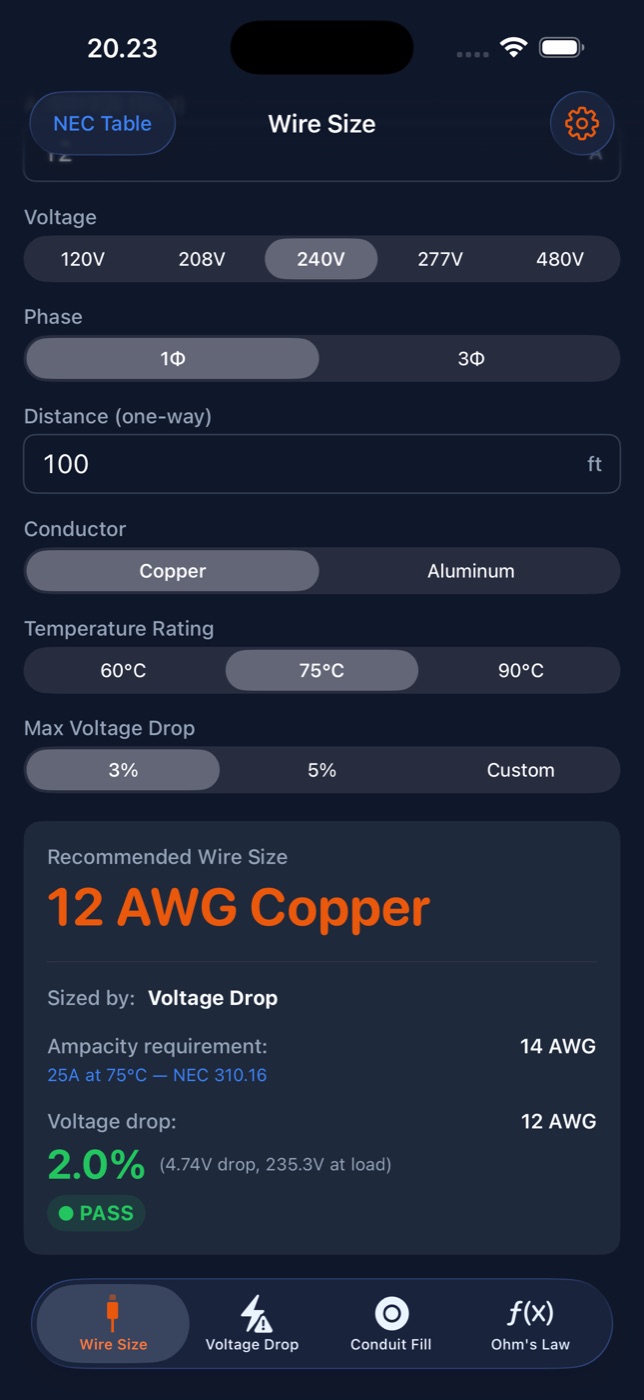
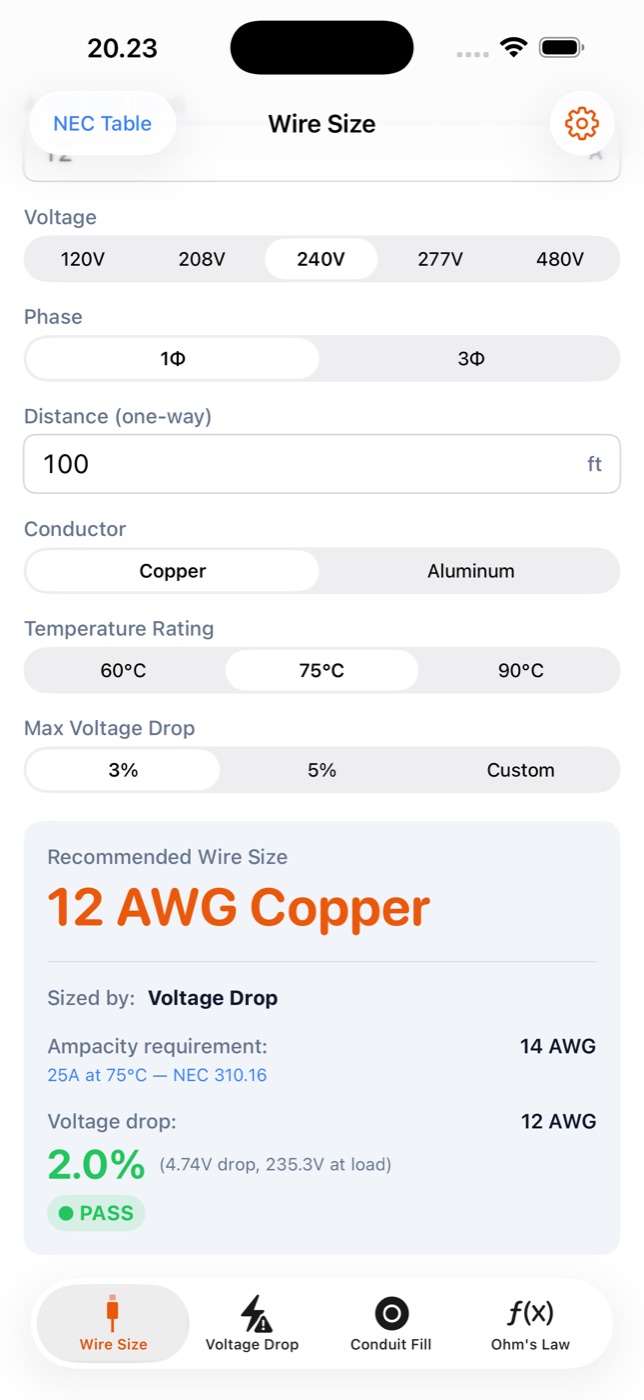
Enter the load, voltage, phase, and one-way distance. WireCalc finds the minimum gauge for ampacity from NEC 310.16, and the minimum that keeps drop within your limit, then recommends the larger of the two.
"Sized by: Voltage Drop" is right there on the result, so you know why 14 AWG isn't enough on a long run.
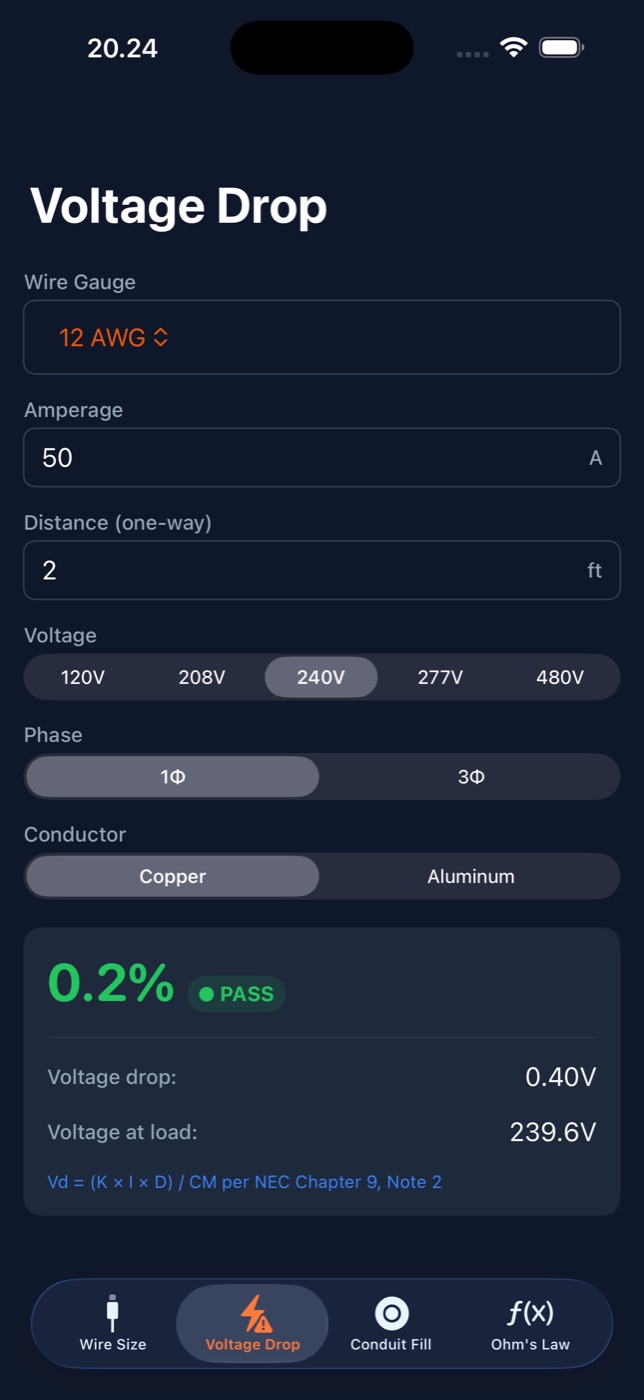
Pick a wire gauge, enter the amps and run length, and see the drop in volts, the percent, and the voltage left at the load. Under 3% passes. 3–5% warns. Over 5% fails. No squinting at a chart.
Vd = (K × I × D) / CM
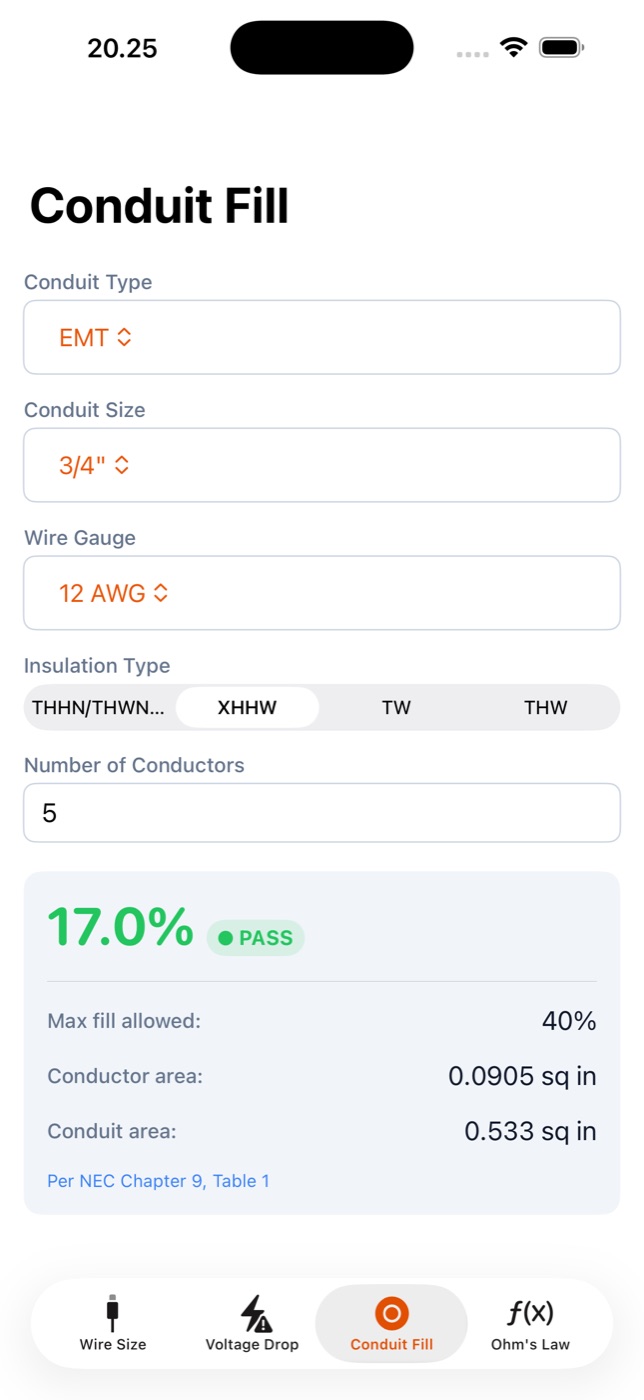
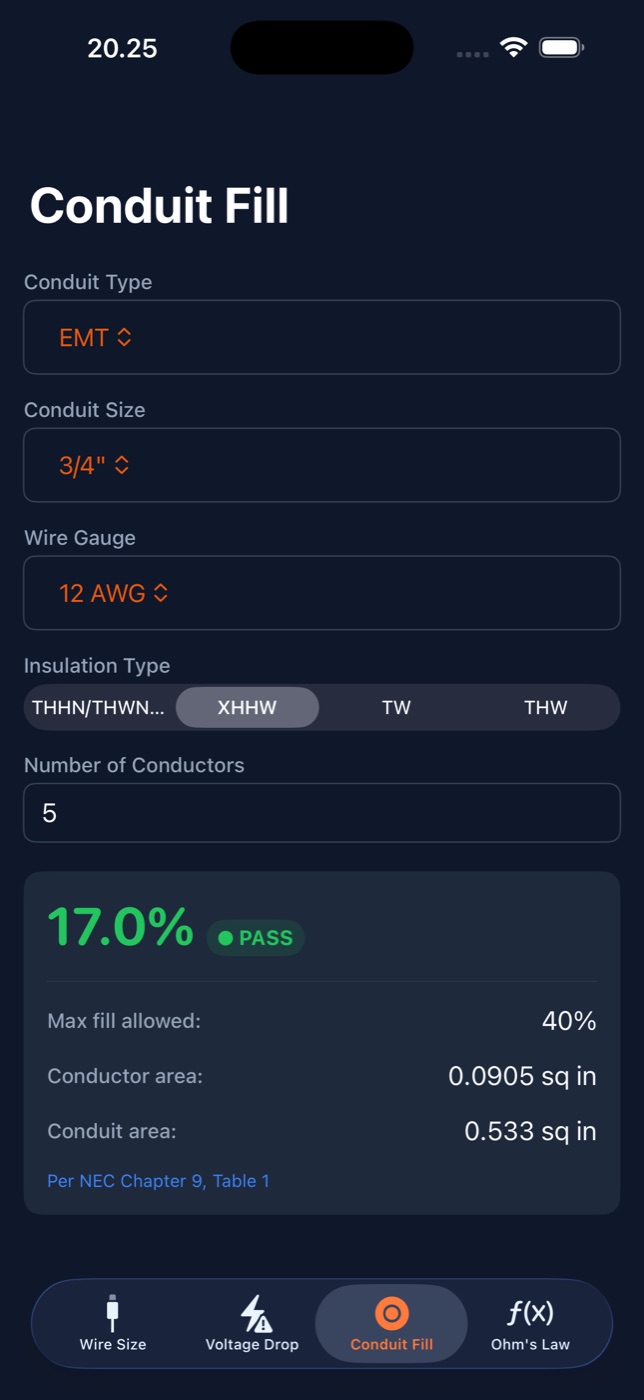
Choose the raceway, trade size, wire gauge, insulation, and conductor count. WireCalc uses NEC Chapter 9 areas to show the percent fill against the allowed maximum, with the conductor and conduit areas laid out.
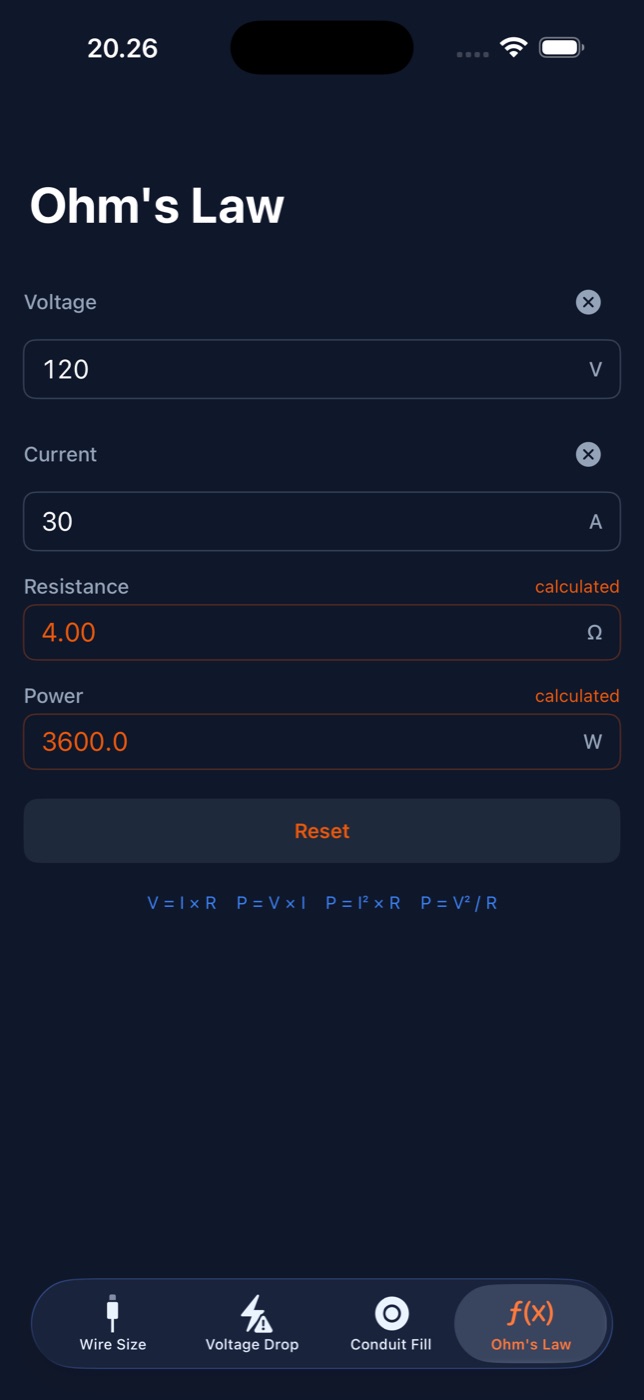
Volts, amps, ohms, watts: fill in two and WireCalc solves the rest, with calculated fields clearly marked. For everything else, the full NEC Table 310.16 is a tap away, for copper and aluminum at every temperature rating.
Set your defaults once (conductor, temperature rating, voltage-drop limit) and every calculator starts where you work.
Crawl spaces, basements, and steel buildings kill cell service, and web calculators die with it. WireCalc does every calculation on your device and collects no data at all. It works the same on the tenth floor of a job site as it does at your desk.
You wouldn't rent your linesman's pliers. A calculator you use every day shouldn't charge you every month.